
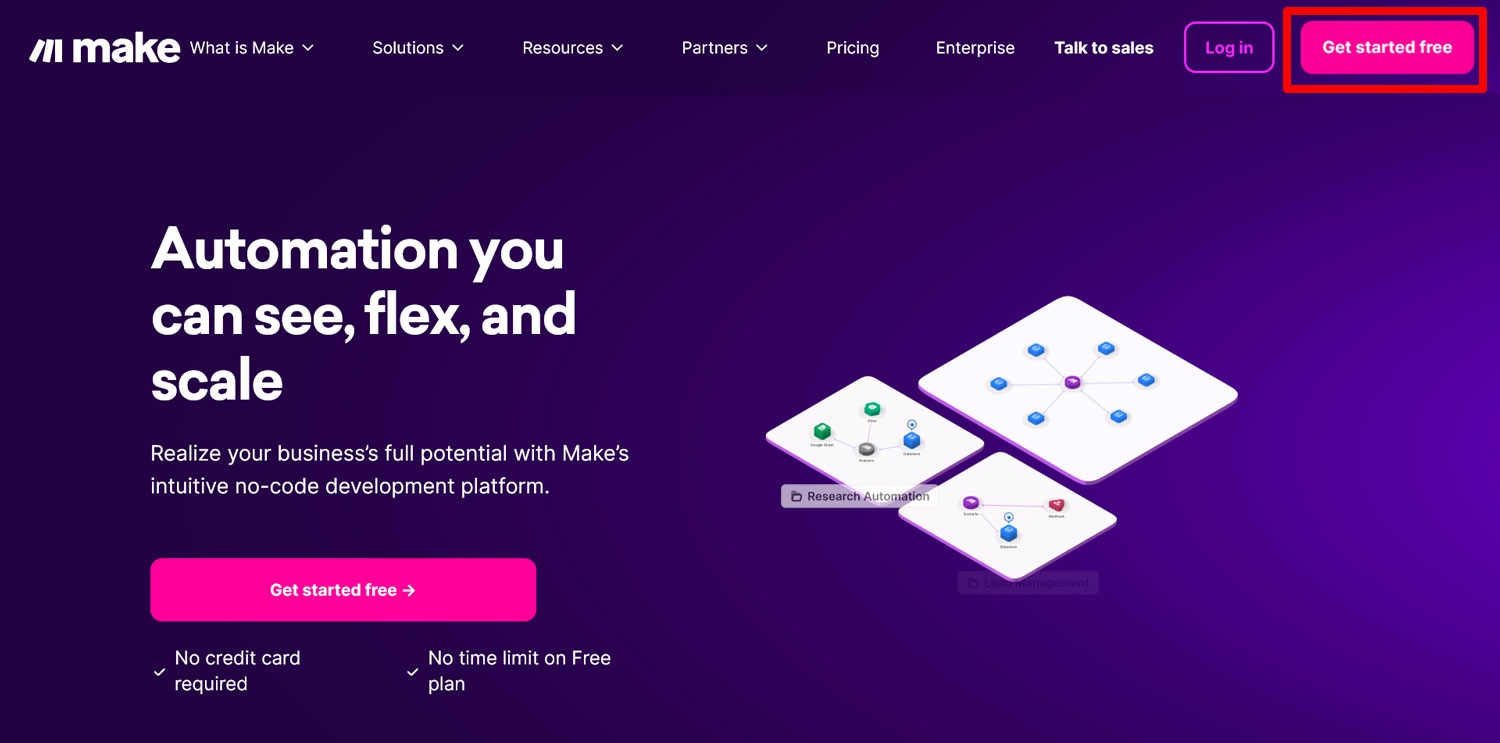
Dashboard Preview
The Verdict
Make.com has evolved from a simple Zapier alternative into an absolute powerhouse for orchestrating complex AI agents. Its visual builder makes debugging multi-step AI logic incredibly intuitive, even for non-developers. If you're building autonomous workflows that require deep branching logic, API connections, and LLM integrations, Make is the undisputed leader in 2026.
Pros
- Unmatched visual canvas for tracking complex AI data flows.
- Extremely cost-effective at scale compared to Zapier.
- Native, seamless integration with all major LLM APIs.
Cons
- Steep learning curve for absolute beginners mapping complex arrays.
- Error handling can become messy in massive, 100+ module scenarios.
Deep Dive: How it works
Make.com's visual interface allows you to literally see data flowing from one module to the next, which is crucial when chaining multiple AI agents together. In 2026, they've introduced native AI helpers that can auto-build entire scenarios just from a text prompt, bridging the gap between no-code and natural language programming. You can instruct Make to "build an agent that reads my emails, summarizes them with OpenAI, and drafts a Slack message," and it maps it instantly.
What sets Make apart is its robust array of iterators, routers, and error-handling modules. You aren't just passing static data; you're building resilient backend systems without writing a single line of code. For teams heavily invested in AI operations, Make acts as the central nervous system, translating the outputs of language models into tangible, real-world actions across thousands of SaaS applications.
Key Features
Visual Branching
Easily map out conditional logic and multiple pathways for your AI agents.
AI Copilot
Generate complex automation scenarios simply by describing them in plain English.
Advanced Error Handling
Built-in tools to ignore, break, or retry failed API calls automatically.
Native Data Stores
Store temporary variables and states without needing an external database.